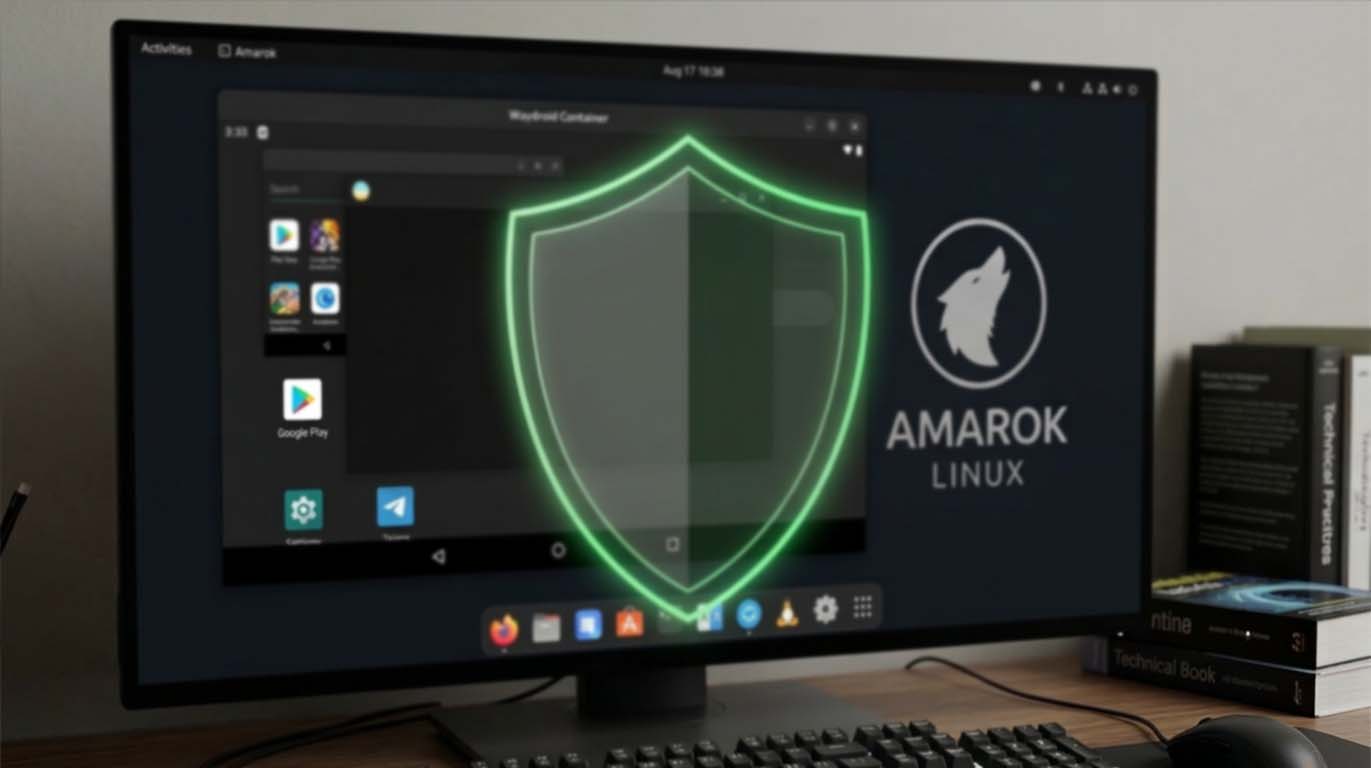
Run Android Apps on Amarok Linux with Waydroid Safely
Your Linux desktop does not have to stop at native packages. Android apps can run smoothly on Amarok Linux, often with better performance than traditional emulators. With Waydroid, Android integrates directly into your system using containers instead of full virtualization. The result feels lightweight and responsive. Yet performance is only half the story. The source of your APK files matters just as much as the tool that runs them.
Many users experiment with sideloading apps for productivity, streaming, messaging, or even development testing. If you choose to install verified Android app packages, make sure the source clearly documents file integrity and version transparency. A secure Linux system can still be compromised by a malicious APK. Amarok Linux is built with stability in mind. Keeping that integrity intact requires thoughtful installation practices.
Quick Summary
- Waydroid runs Android in a container, not a heavy VM
- APK source verification protects your Linux environment
- System hardening reduces risk from sideloaded apps
- Kernel and security updates play a direct role in Android integration
Why Waydroid Fits the Amarok Linux Philosophy
Waydroid uses LXC containers to run a full Android system directly on top of the Linux kernel. This approach avoids the overhead of emulation. Apps feel native. Windows open faster. Hardware acceleration is possible when drivers cooperate. That efficiency aligns well with Amarok Linux, especially if you are already running a recent kernel as outlined in the kernel 6.4 release notes. Kernel updates often improve binder support, graphics drivers, and container performance.
Unlike traditional Android emulators, Waydroid does not simulate hardware. It shares your existing Linux kernel. This means performance is strong, but it also means security boundaries must be respected. Container isolation works, yet it is not magic. File permissions, user separation, and firewall configuration remain relevant.
How Waydroid Actually Works Under the Hood
Waydroid installs a full Android system image. It runs inside a container managed by LXC. Android services interact with the Linux host through binder and ashmem interfaces. Graphics are passed through via Wayland. Audio flows through PulseAudio or PipeWire depending on your configuration.
Understanding this architecture helps you make better security decisions. Since the container shares your kernel, any exploit targeting kernel vulnerabilities could theoretically escape confinement. This is why regular system updates and patches are not optional. They are a critical part of running Android safely on a Linux desktop.
Security Starts Before You Click Install
APK files are essentially application archives. They contain compiled code, assets, and permission declarations. The structure of these packages is documented in the Android application package specification. Reviewing permission requests and version signatures before installation can reveal warning signs.
A malicious APK can request unnecessary storage access or attempt background services that persist silently. On a Linux host, this could expose shared directories or personal files. Even though Waydroid runs in a container, shared mounts and clipboard bridges can create indirect exposure paths.
Four Core Safety Principles for APK Installation
Installing Android apps on Amarok Linux should follow a structured approach. These principles keep your environment stable and secure.
1. Verify the publisher identity and checksum before installation.
2. Restrict shared folders between Waydroid and your home directory.
3. Keep Amarok Linux updated with the latest security patches.
4. Use firewall rules to limit outbound connections from unknown apps.
Each point builds on the last. Verification reduces initial risk. Isolation limits damage. Updates close kernel level vulnerabilities. Network control restricts data leakage.
System Hardening Makes a Real Difference
Before running Waydroid, review your overall system security posture. The guidance in hardening Amarok Linux covers firewall configuration, secure user permissions, and service management. These steps matter even more once Android containers are introduced.
Disable unnecessary services. Confirm that only trusted repositories are enabled. Ensure your user account does not run with elevated privileges by default. Waydroid itself does not require root for daily app usage. Limiting privilege escalation paths keeps the container environment constrained.
Performance Versus Isolation, Finding the Balance
Users often ask whether performance tuning reduces security. The answer depends on configuration. Enabling GPU acceleration improves responsiveness but requires compatible drivers. Mapping host directories into the container allows file sharing but increases exposure. There is always a tradeoff.
The table below outlines common configuration choices and their security implications.
| Configuration | Performance Impact | Security Impact |
|---|---|---|
| GPU Acceleration | High improvement | Minimal risk if drivers updated |
| Shared Home Folder | Convenient file access | Increased exposure |
| Isolated Network Mode | Slight latency | Strong outbound control |
Practical Installation Workflow
A safe workflow reduces mistakes. Start by updating Amarok Linux completely. Confirm kernel and package updates are applied. Install Waydroid from official repositories. Initialize the container image. Launch the environment and confirm it boots correctly.
Next, evaluate your APK source carefully. Check the version history. Review change logs. Compare file sizes with official developer references. If available, validate SHA256 checksums. Avoid mirrored downloads with no transparency.
Once installed, open Android settings within Waydroid. Review app permissions. Disable background access for apps that do not require it. Test functionality gradually. Watch system resource usage with native Linux monitoring tools.
Common Use Cases on Amarok Linux
Android integration on Linux is not just experimental. Many practical scenarios justify it.
- Testing mobile apps during development
- Running messaging platforms without web limitations
- Accessing region specific streaming apps
- Using productivity tools unavailable on Linux
Each scenario carries different risk levels. Development testing is usually safe if apps are locally built. Streaming and messaging apps may require broader network access. Evaluate your threat model realistically.
Keeping Amarok Linux and Android in Sync
System updates on Amarok Linux influence Waydroid stability. Kernel patches fix vulnerabilities. Graphics stack updates improve rendering. Audio subsystem updates reduce latency. Ignoring system maintenance undermines container reliability.
If an update causes compatibility issues, consult release notes before rolling back. Reverting kernels without understanding binder dependencies can break Android integration. Stability is achieved through informed updates, not random experimentation.
Networking Awareness Inside Containers
Android apps expect constant internet connectivity. On a desktop Linux environment, that assumption can lead to excessive outbound traffic. Use firewall tools such as ufw or nftables to restrict unknown endpoints. Logging outbound connections can reveal unexpected behavior.
If you run Amarok Linux on a laptop, public WiFi adds another variable. Container traffic still routes through your host network stack. VPN usage remains advisable when installing or testing unfamiliar applications.
Securely Powering Android Apps on Your Amarok Linux Desktop
Running Android apps on Amarok Linux through Waydroid opens powerful possibilities. It blends mobile flexibility with desktop control. Yet control only exists if you exercise it. Choosing trustworthy APK sources, maintaining kernel updates, and hardening your system create a secure baseline.
Linux gives you transparency. Containers give you separation. Neither replaces judgment. A secure setup comes from understanding how each layer interacts. Treat every APK as executable code, because that is exactly what it is. With careful practices, Amarok Linux remains stable, responsive, and ready for both native and Android workloads.